
BECOME AN ALAMY CONTRIBUTOR
Calling all creatives! Whether you're a seasoned professional photographer seeking new income streams, a hobbyist with hidden gems on your hard drive, or a graphic designer itching to turn your passion into profit, we're here to empower you. Licence your photos, illustrations, and videos to the world's leading brands and earn up to 50% commission on every sale (and 100% if you're a student).
Unlock a world of possibilities
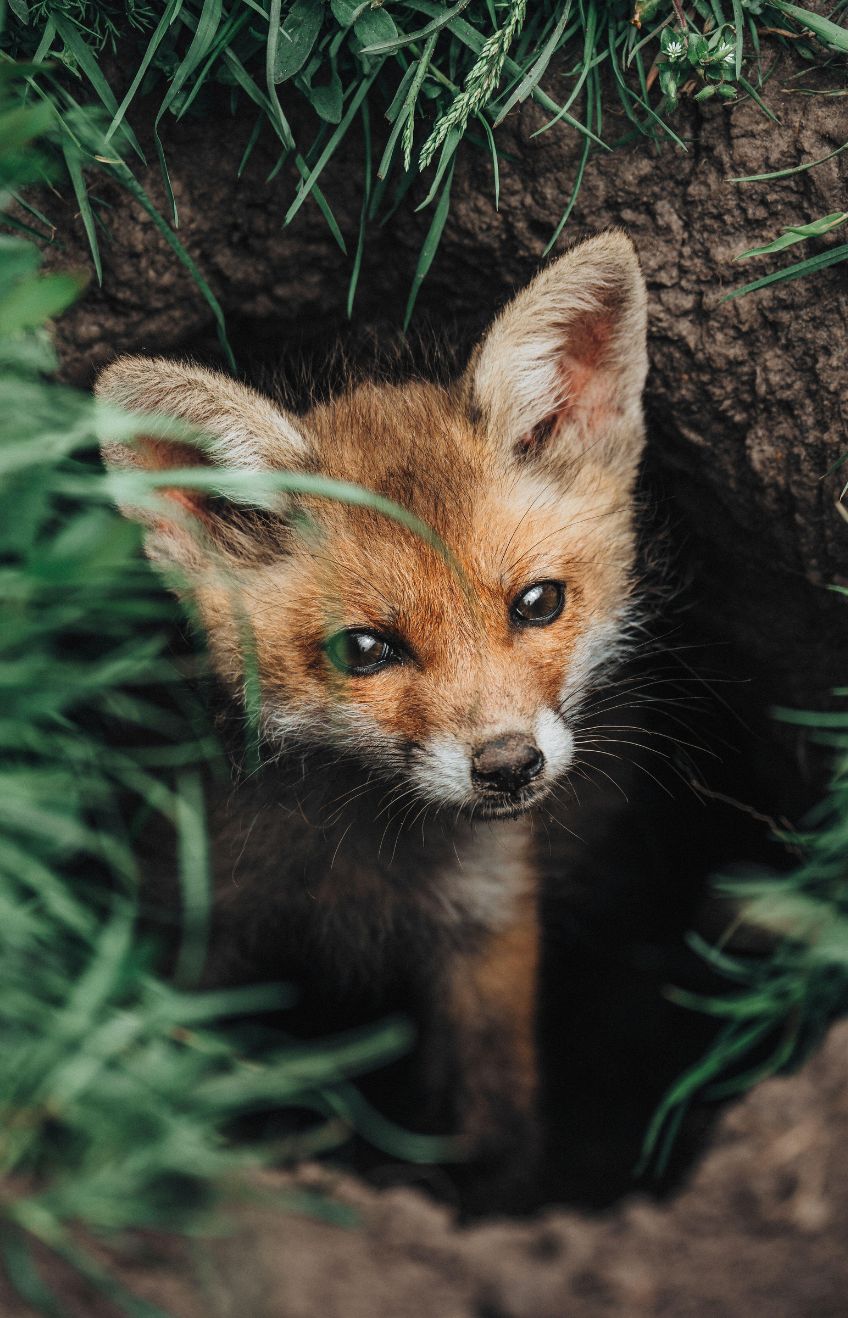
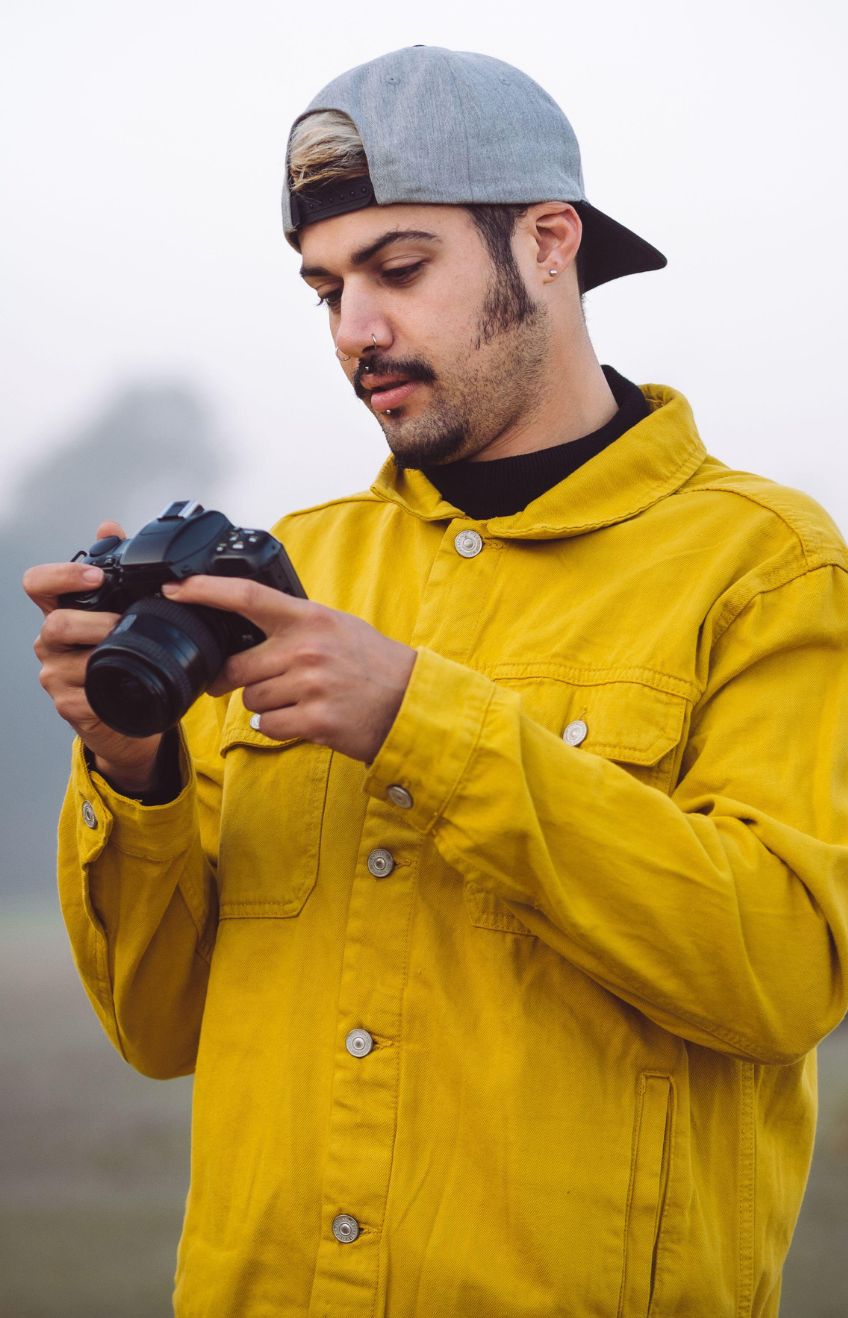


What can you sell here at Alamy?
Discover why becoming a contributor at Alamy can be the perfect fit for you. As champions of authentic content, we don't accept any AI-generated images on our platform, so if you're a photographer or artist who works in the real world you can find your home here with like-minded creatives.

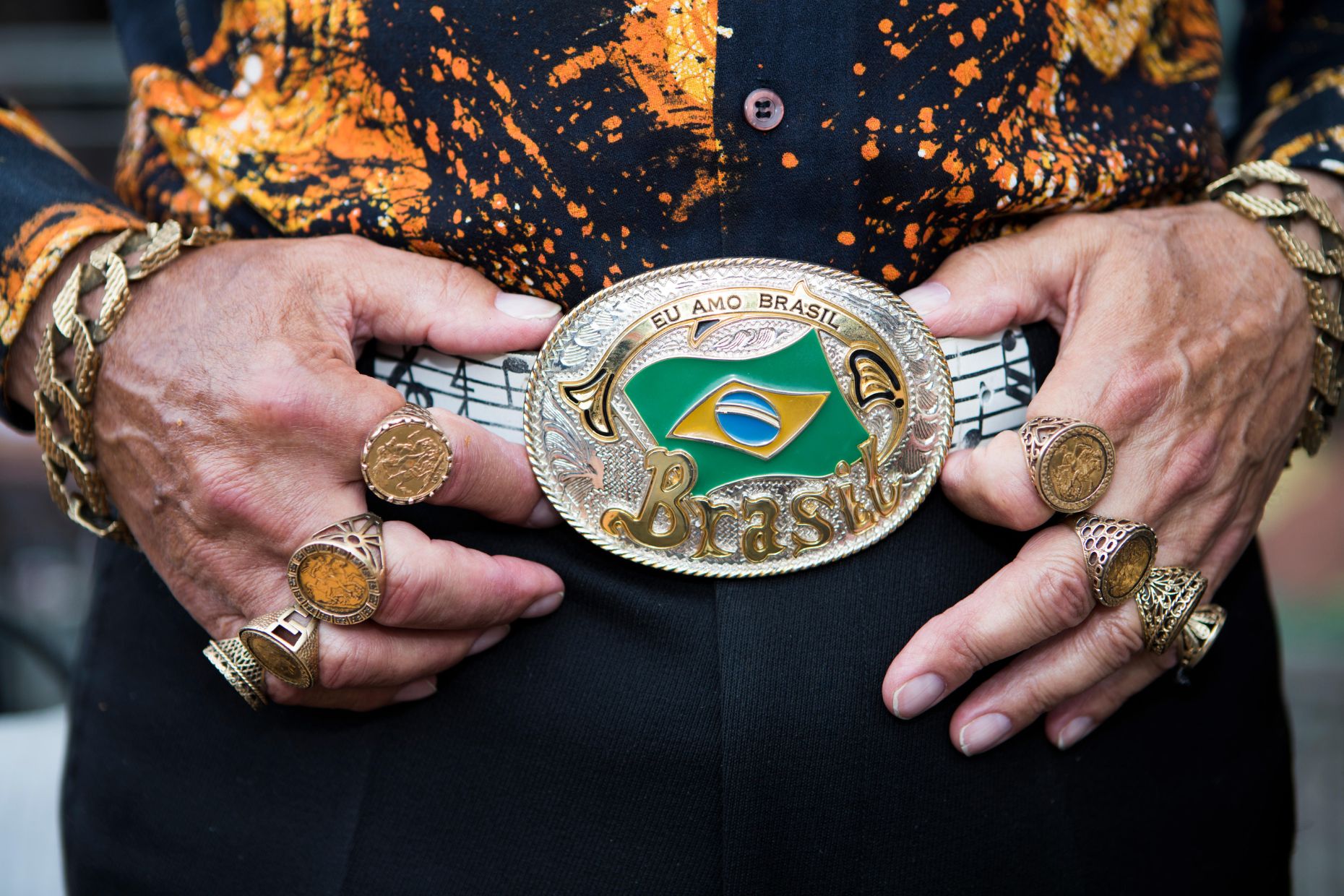

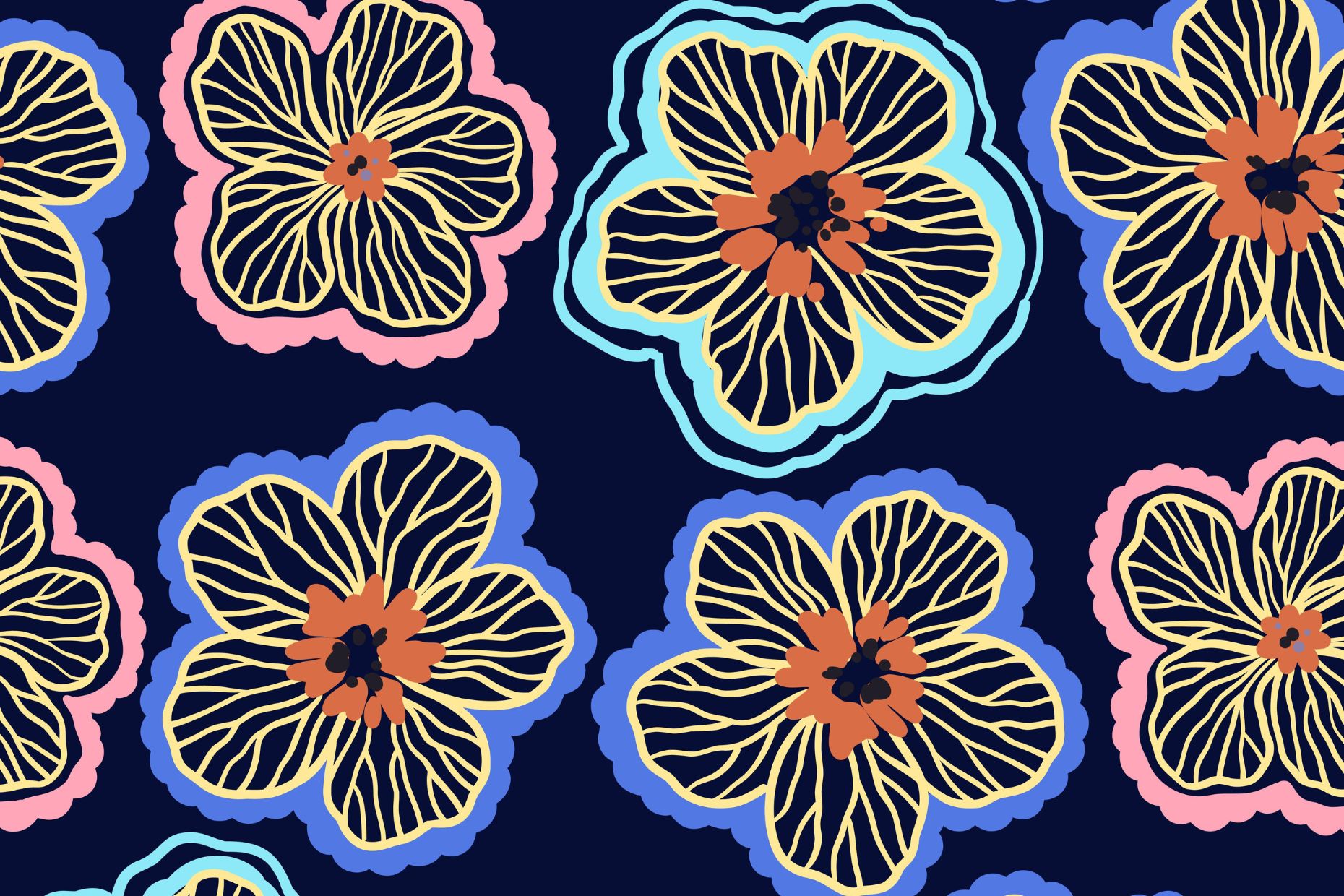
How do I get started?




Become part of the community
From connecting with fellow photographers on the forum to getting creative firepower from our Fresh Picks, there's more to being an Alamy Contributor.



Contributor Frequently Asked Questions
What can I sell on Alamy?
Do I retain copyright of my photos, vectors and illustrations?
What are the requirements to become an Alamy Contributor?
How much do I get paid?
When do I need a model or property release?
If I sell my images on Alamy, can I sell them in other places too? Is Alamy exclusive?
Ready to unleash your potential?
Sign up as an Alamy contributor today and start earning from your creativity. Bonus for Students: Earn 100% commission on direct image licenses.
